English
 Español
 中文简体
中文简体
1. Why Do Class H Speaker Amplifiers Need Cleaning?
Preventing Overheating (The Most Important Reason):
Although Class H amplifiers are more efficient than Class A/B amplifiers, they still generate a significant amount of heat when operating at high power.
Dust and debris can clog the gaps in the heat sink and accumulate on the fan, forming a "heat blanket" that severely hinders heat dissipation.
If heat dissipation is poor, the amplifier will trigger the thermal protection circuit and shut down. In severe cases, overheating can cause permanent damage to core components such as power transistors.
Maintaining Circuit Stability:
Dust, especially in humid environments, can be slightly conductive. This can cause arcing or leakage in high-voltage circuits, resulting in noise, signal interference, or even short circuit failures.
Impurities in dust can also corrode component pins and solder joints.
Ensuring Fan Operation:
Fans are critical for active heat dissipation. Accumulated dust increases resistance in the fan bearings, causing reduced speed, increased noise, or even complete seizure, directly leading to overheating.
Maintaining Connection Reliability:
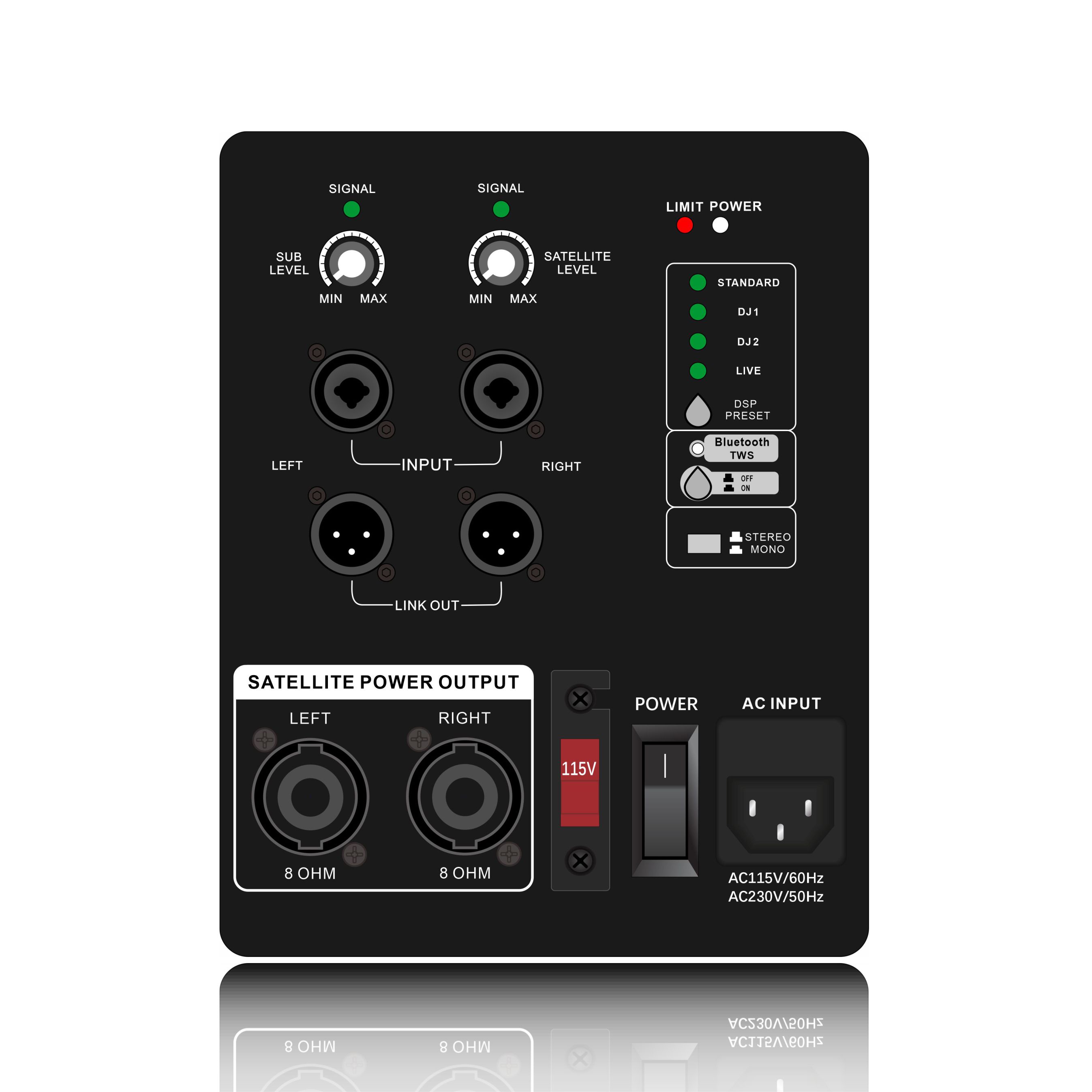
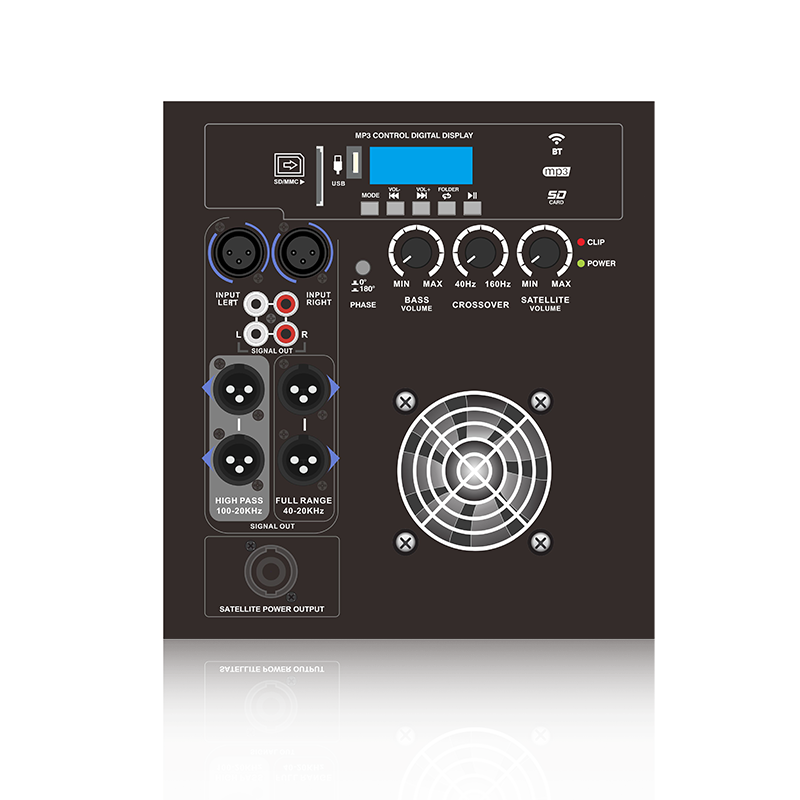
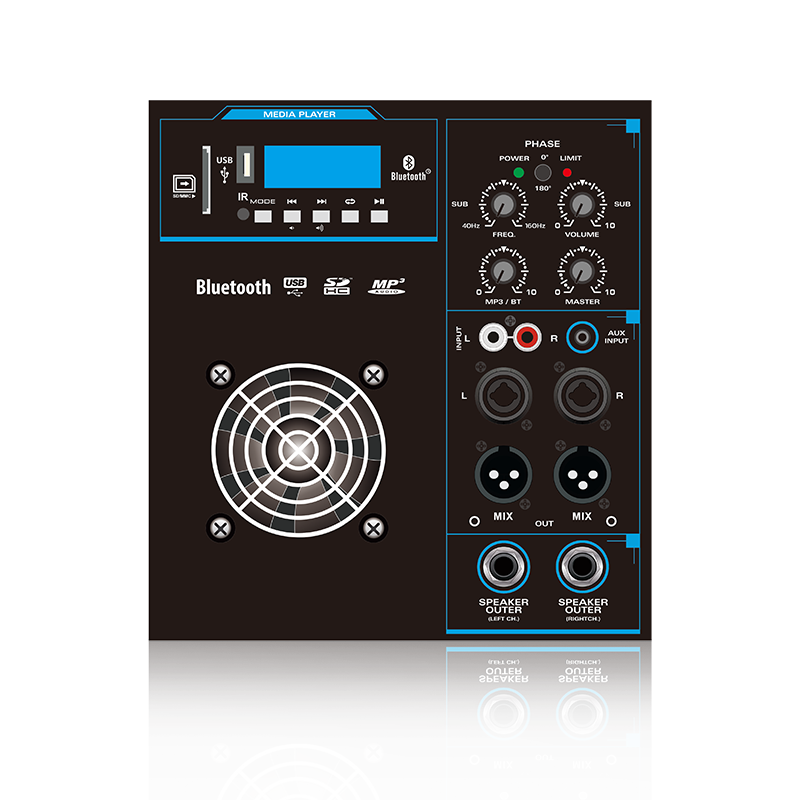
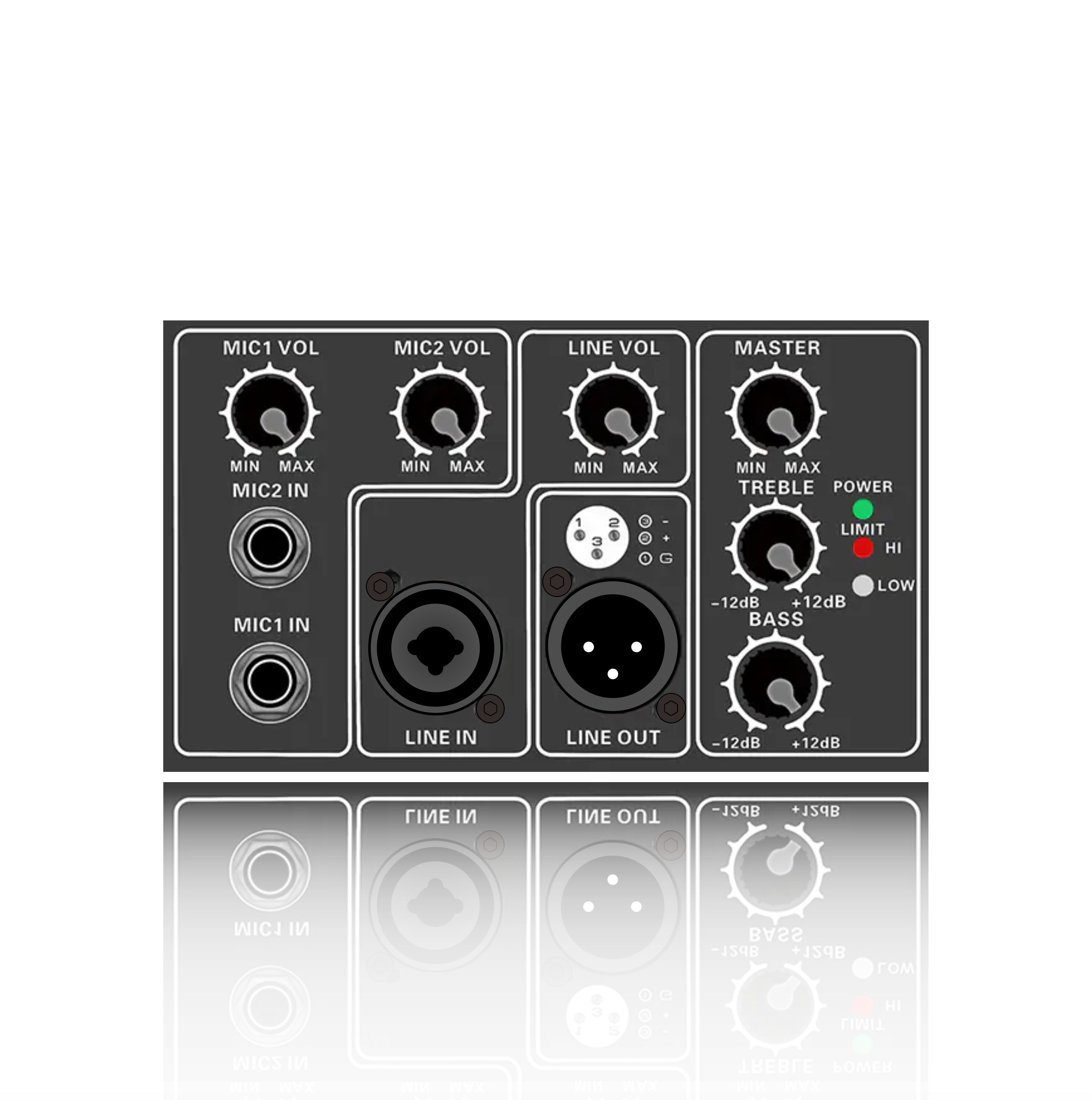
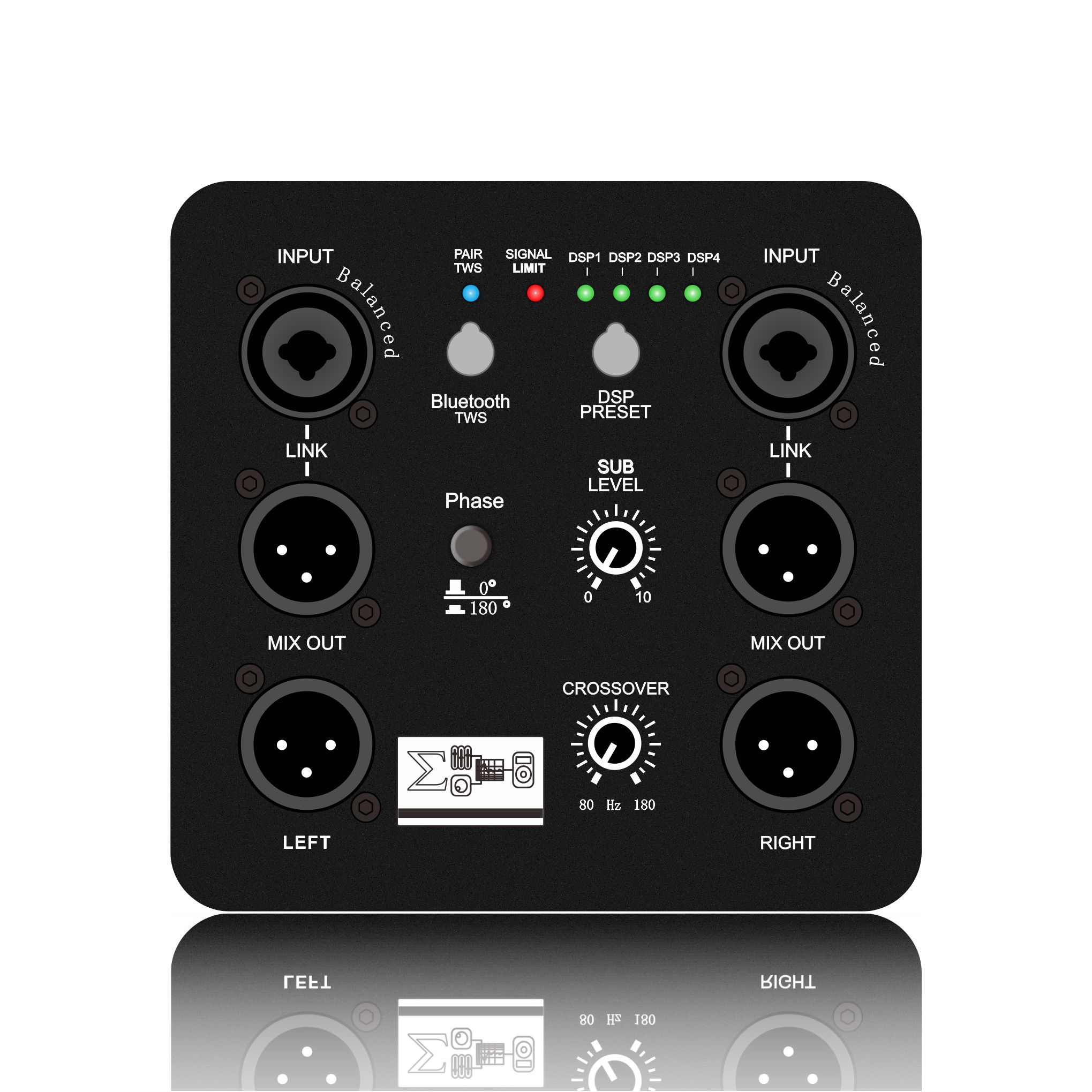
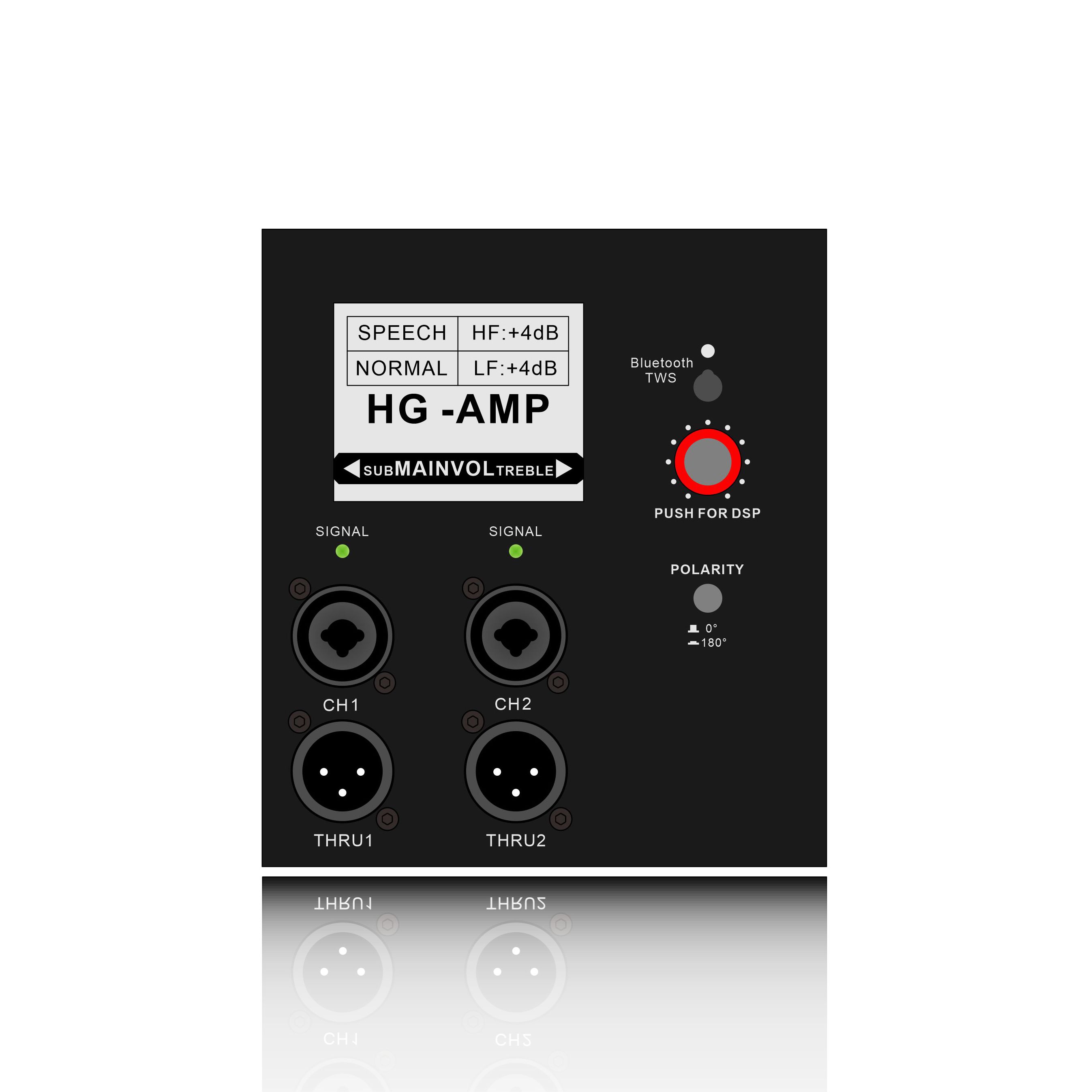
Oxidation and dust on backpanel connectors (such as XLR and Speakon jacks) can affect signal transmission and connection stability, resulting in poor contact, degraded sound quality, or intermittent sound.
2. How to Properly Clean a Class H Amplifier?
Warning: Always completely disconnect the power cord and unplug the power cord before operating! The large capacitors inside the amplifier may store lethal high voltages, which may persist for some time even after power is removed.
A professional technician is recommended for deep cleaning. Users can perform the following simple external and safety maintenance:
User-Performable External Cleaning (Safety First!):
Power Off and Cool Down: Turn off the amplifier, unplug all signal and speaker cables, and finally, unplug the power cord. Allow the amplifier to cool completely.
External Dust Removal:
Use a soft-bristle brush or the soft-bristle brush attachment of a vacuum cleaner to carefully clean dust from the case vents, front panel, and back panel.
Cleaning the Fan Grille: Carefully clean the fan inlet grille, if visible.
Connector Cleaning: Use electrical contact cleaner or anhydrous alcohol and a cotton swab to gently clean the back panel input and output connectors (such as RCA and XLR connectors). Do not use non-specialized lubricants such as WD-40.
Exterior Cleaning: Wipe the chassis exterior with a slightly damp soft cloth, then dry it with a dry cloth.
Internal Deep Cleaning Should Be Performed by a Professional:
Unpacking: Have a professional open the chassis.
Compressed Air Dust Removal: Use a can of compressed air or a professional blower to blow away all dust from the heat sink, circuit boards, transformer, and fan blades, working from the inside out, perpendicular to the heat sink.
Fan Inspection and Lubrication: Check that the fan is operating smoothly. Clean if necessary or add special lubricant for specific models.
Inspection and Tightening: Check that internal cable connections are secure and check for visible signs of bulging capacitors or burnt components.
Safe Assembly: After cleaning and inspection, have a professional reassemble the chassis.
3. Cleaning Frequency and Recommendations
Daily: Maintain good ventilation around the amplifier and avoid placing debris on top of it.
Monthly/quarterly: Perform exterior dust removal, especially in dusty environments.
Annually or every 500 hours of operation: We recommend a thorough interior inspection and deep cleaning by a professional technician, especially after intensive use such as live performances and rentals.