English
 Español
 中文简体
中文简体
Home / News / Industry News / What are the precautions when using professional line array amplifiers?
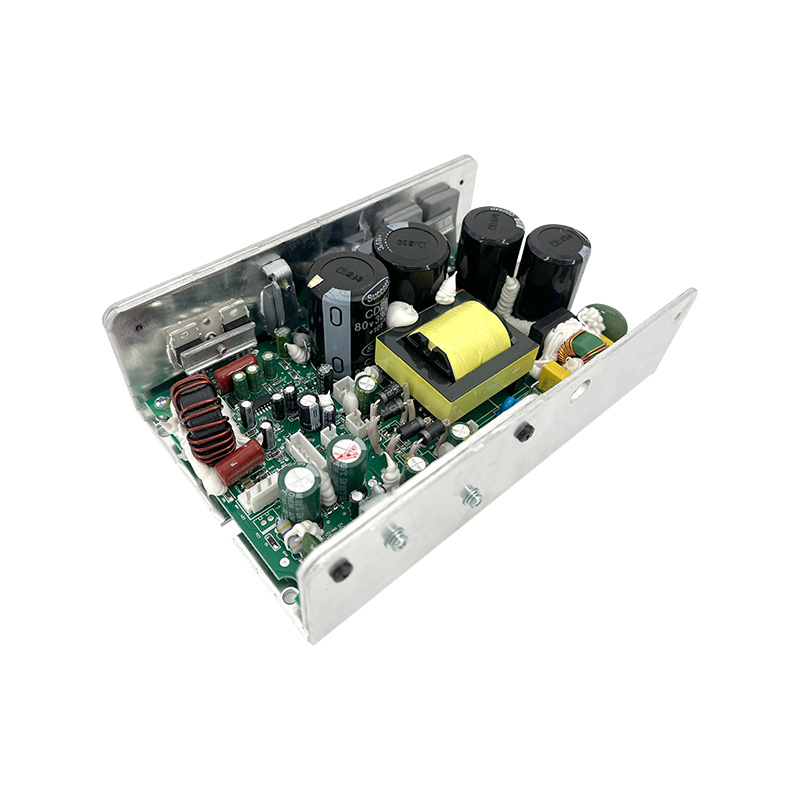
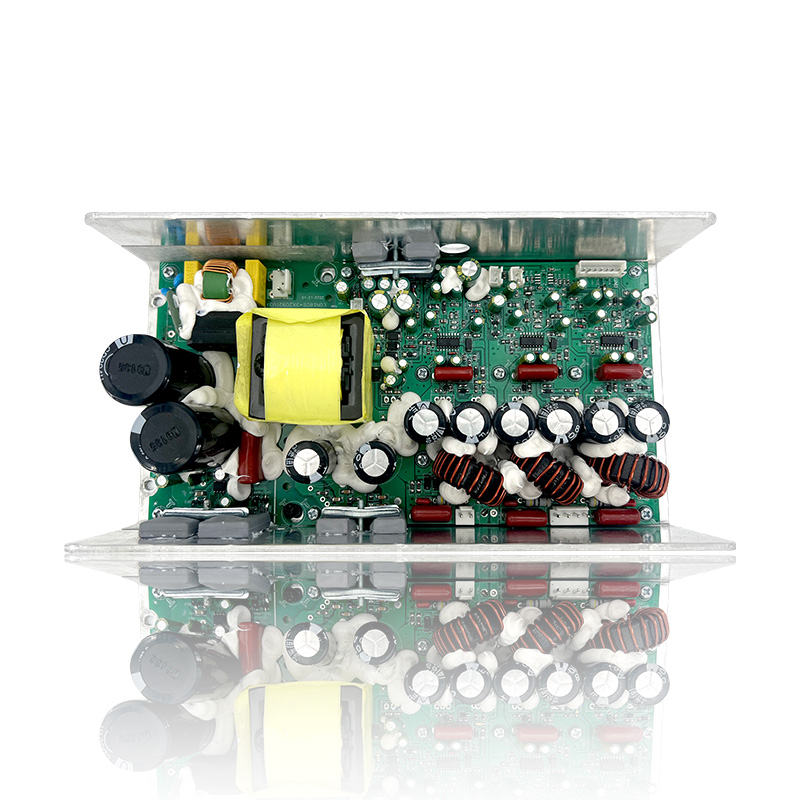
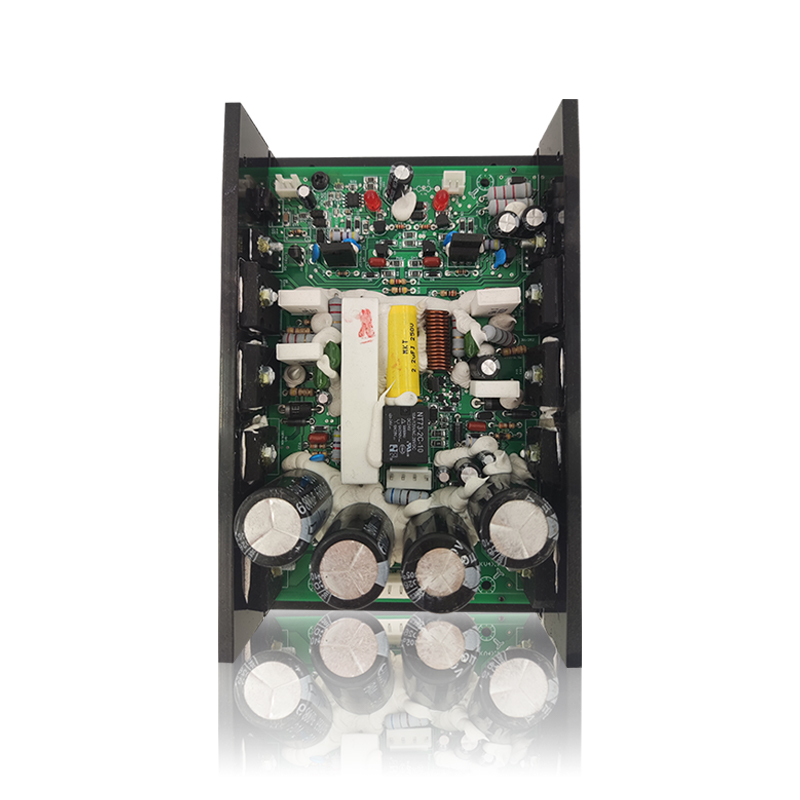
The precautions for using a professional line array amplifier are directly related to system safety, equipment lifespan, and ultimate sound quality. Compared to ordinary amplifiers, line array systems place more stringent demands on amplifiers because they drive multiple interconnected speaker units. Understanding the precautions for using a professional line array amplifier will ensure stable operation of the equipment.
Content
1. System Design and Configuration Phase (Basics and Prerequisites)
Impedance Matching and Power Matching
Impedance Matching: Ensure that the load impedance of the amplifier (i.e., the total impedance of the line array speakers) is within the amplifier's specified safety range. Never drop below the amplifier's rated minimum impedance (e.g., 2Ω or 4Ω). When driving multiple speakers in parallel, accurately calculate the total impedance. Excessively low impedance can cause excessive current draw, excessive heating, and even triggering protective measures or damage.
Power Matching: A common misconception is that "amplifier power must equal speaker power."
A more scientific approach is:
The amplifier's rated power should be greater than the speaker's continuous power (RMS power), typically 1.5 to 2 times, to provide sufficient headroom and avoid signal clipping. The high-frequency DC component generated by signal clipping is the number one cause of tweeter burnout.
Amplifier power should not exceed the peak power rating of the speaker to prevent accidental overload and speaker damage due to improper operation.
Choosing the Right Amplifier Type
Class D amplifiers: The current mainstream choice. They offer high efficiency, compact size, light weight, and low heat generation, making them ideal for driving multiple line array speakers.
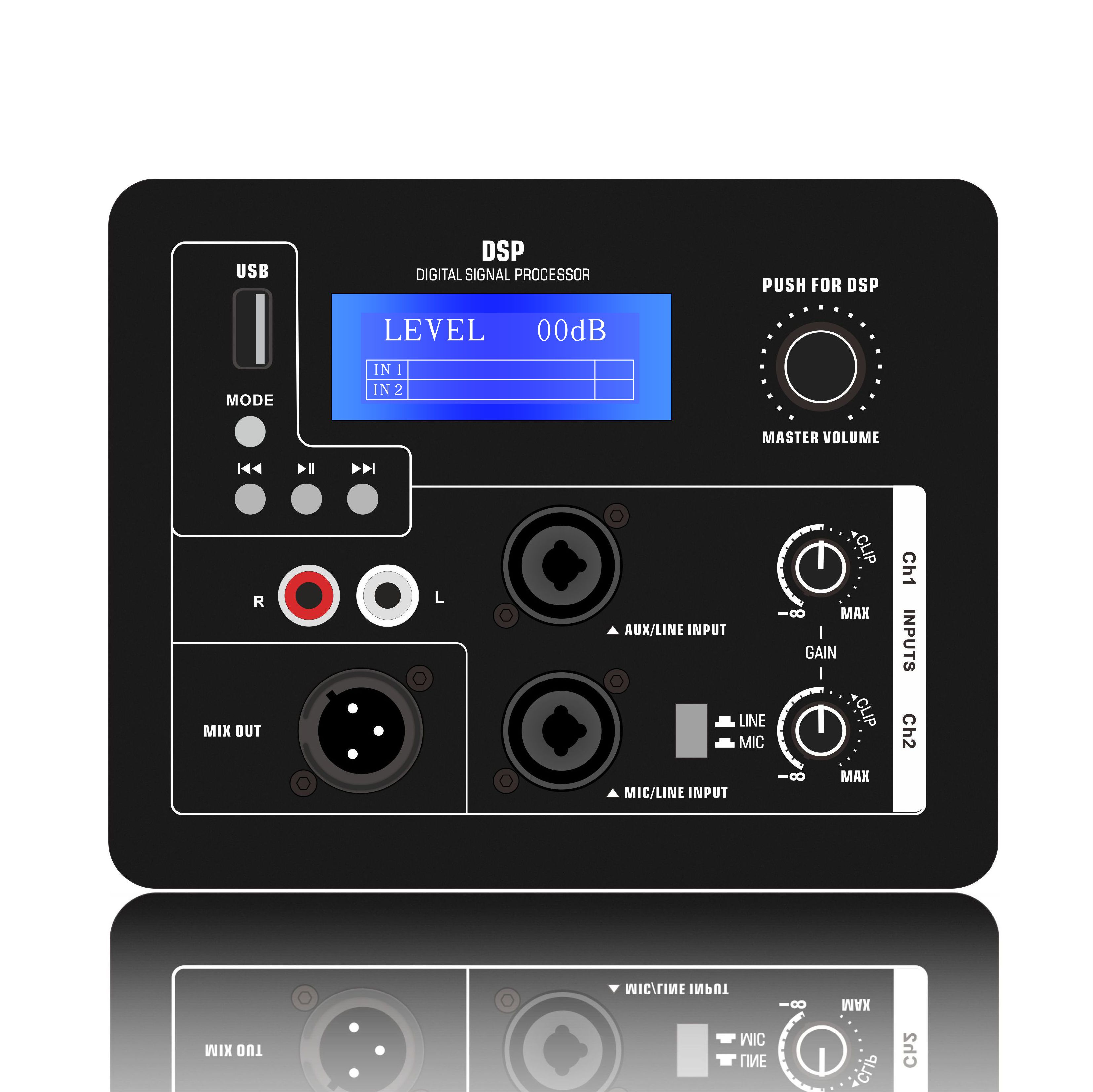
DSP amplifiers (with digital signal processing): Highly recommended for line array systems. The built-in DSP allows for precise settings:
Electronic crossover: Accurately divides the signal frequency to the high, mid, and woofer drivers in the line array.
Parametric equalization: Provides precise frequency compensation and correction based on the venue and speaker characteristics.
Compressor/limiter: Crucial. Setting the appropriate attack level and compression ratio effectively protects the speaker from momentary overload and sustained overpower shock.
Delay alignment: Ensures that the sound from different drivers reaches the listener in sync. Channel Planning: Based on the line array's crossover requirements (full-range, two-way, or three-way), decide whether to use a single-channel amplifier (for full-range operation), a multi-channel amplifier (for example, a two-channel amplifier driving the bass and treble of a group of speakers), or multiple amplifiers.
2. Installation and Connection Phase (Safety and Reliability)
Power Supply Stability: Use a dedicated power line to ensure stable voltage. Low voltage will result in insufficient amplifier output power and clipping, while excessive voltage fluctuations may damage the equipment. It is recommended to use a professional power sequencer to ensure the correct power on and off sequence.
Heat Dissipation and Ventilation:
Adequate heat dissipation clearance must be maintained around the amplifier, especially around the vents (at least 20-30 cm is recommended).
Strictly prohibit covering the vents with objects or stacking other equipment to block the airflow.
Ensure that the cabinet fan is functioning properly.
Cable Selection and Connection:
Speaker Cable: Use high-quality, high-quality, and sufficiently thick speaker cable to minimize power loss and damping coefficient loss. Secure Connections: Use Speakon/NL4/NL8 connectors and ensure the plugs are fully tightened to prevent loose connections. Loose connections can generate high heat and burn the connectors.
Signal Cables: Use high-quality, balanced XLR or TRS cables to avoid signal interference and loss.
3. Operation and Usage (Avoiding Human Error)
Power-On/Power-Off Sequence: Strictly adhere to the principle of "powering on the amplifier last when powering on, and powering off the amplifier first when powering off."
Power-On: Audio Source → Mixer → Processor → Other Peripherals → Power Amplifier
Power-Off: Power Amplifier → Other Peripherals → Processor → Mixer → Audio Source
This sequence prevents the surge of current during power-on/power-off from causing "pops" and damage to speakers.
Gain Setting:
Set the amplifier's input gain knob to an appropriate level. This knob is not a volume knob; it matches the signal level of the preamplifier.
The correct approach is: When the preamplifier system (mixer, processor) is outputting a standard signal level (such as 0dBu), adjust the amplifier gain to the maximum undistorted output position, or set it to a fixed position (such as 12 o'clock or U position) according to system calibration requirements, and do not change it thereafter. The system's overall volume should be controlled by the mixer's master fader.
Closely Monitor: During a performance, always pay attention to the amplifier's operating status:
Indicators: Normal (green/blue), Clip (flashing yellow/red), Protection (solid red or off).
Fan Sound: Listen for normal fan operation and any unusual noises.
Touch Temperature: Feel the chassis temperature to ensure it is within the normal range (warm is normal, hot is not).
Handling Protection Mode Correctly: If the amplifier enters protection mode (Protect light illuminates), immediately power off the amplifier and troubleshoot the issue (such as a short-circuited load, low impedance, overheating, signal problems, etc.). Avoid repeated forced restarts.
4. Maintenance and Care (Extending Lifespan)
Regular Cleaning: Regularly use compressed air to remove dust from the amplifier interior and heat sink to maintain proper heat dissipation.
Regular Inspection: Regularly check all terminals and connectors for looseness or oxidation.
Safe Transportation: Avoid severe vibration and impact during transportation.