English
 Español
 中文简体
中文简体
Content
1. Product Overview
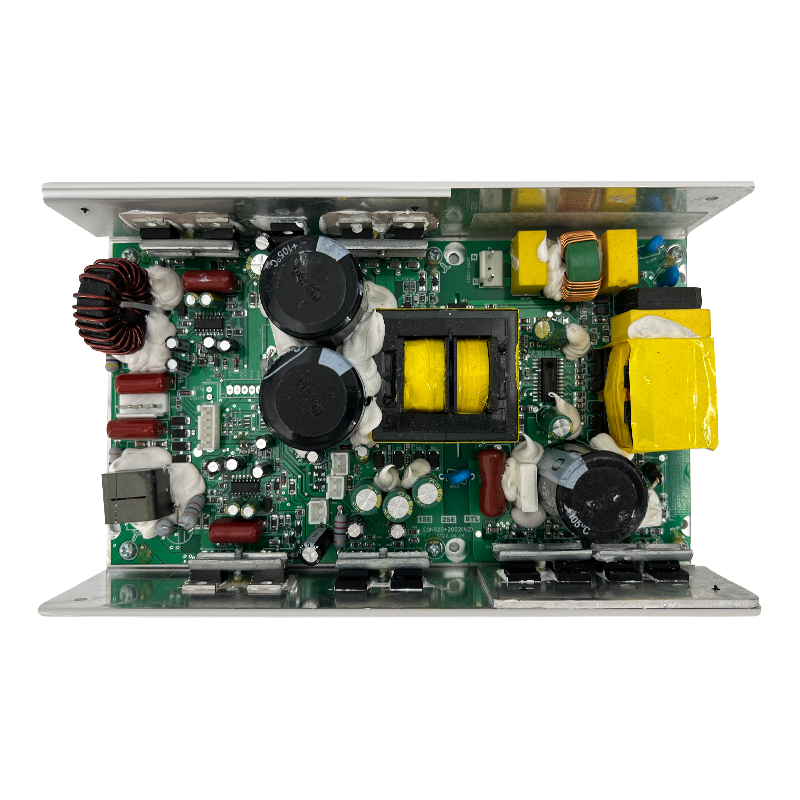
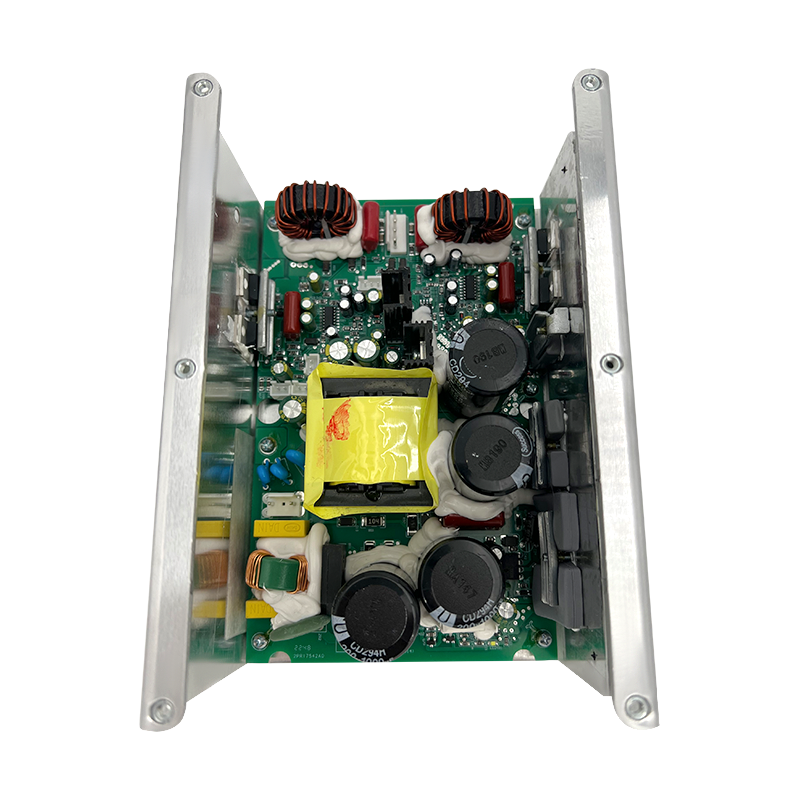
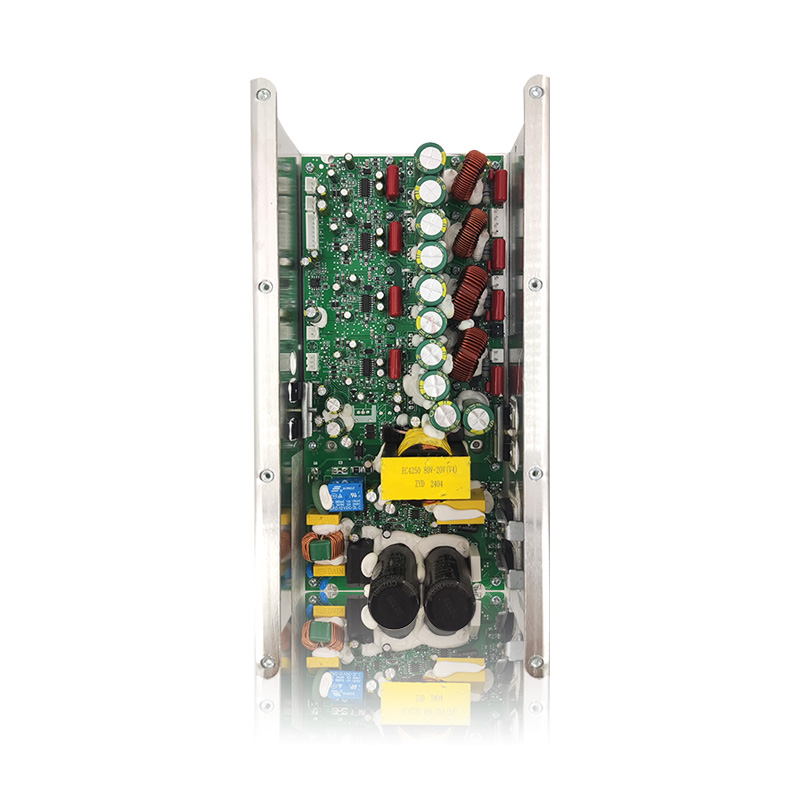
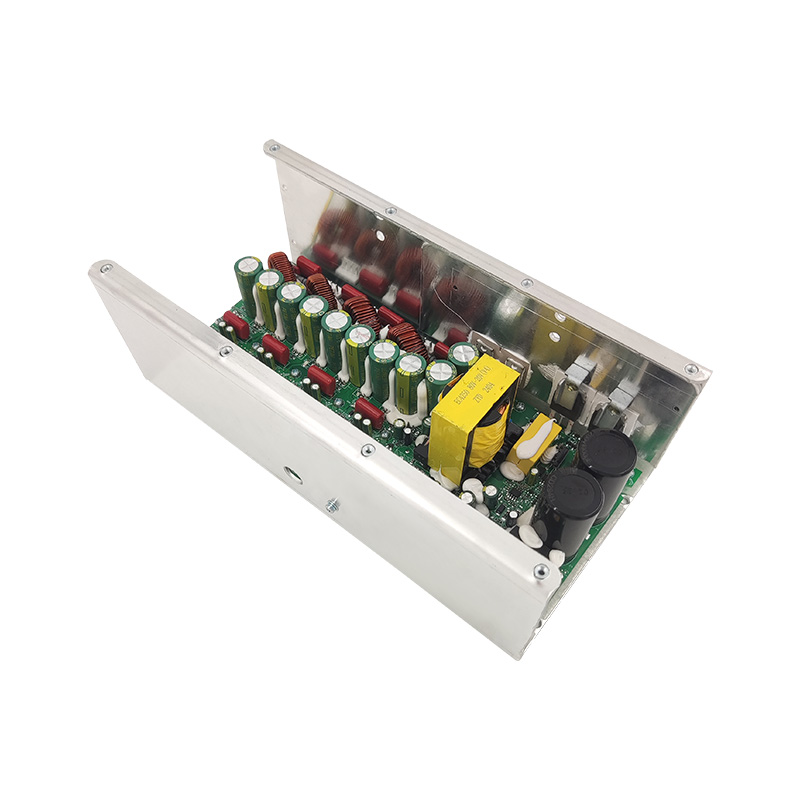
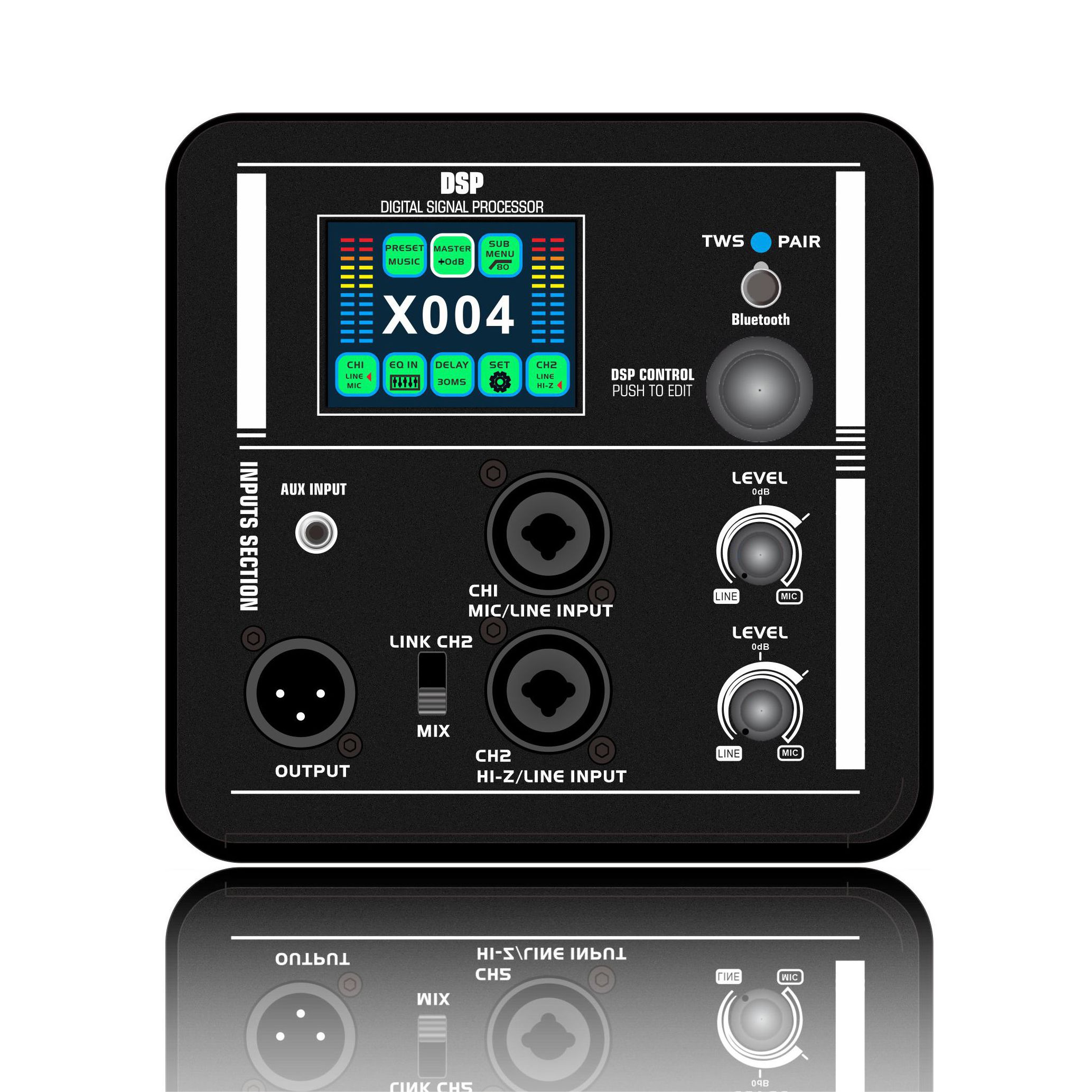
The DSP19/DSP18/DSP110 series is a high-performance active speaker designed for professional audio applications. It has a built-in DSP digital signal processor and a high-efficiency amplifier module, suitable for conference rooms, performances, theaters and other scenarios.
2. Preparation before connection
- Check the equipment list
Active speakers (DSP19/DSP18/DSP110)
Power cord (standard)
Audio cable (XLR/TRS/TS, select according to the interface)
Mixer or audio source device (such as computer, mobile phone, player)
- Environment and placement
Avoid placing the speakers close to the wall (leave at least 20cm of heat dissipation space)
Place the left and right channels symmetrically to ensure a balanced sound field
Shockproof treatment: use a special bracket or shock-absorbing pad
3. Detailed explanation of connection steps
- Power connection
Use the original power cord and connect to 100-240V AC
Ensure stable power supply (UPS or voltage stabilizer is recommended)
Note: Connect all audio cables first and power on last
- Audio input interface selection
|
Interface type |
Applicable scenarios |
Recommended cables |
|
XLR balanced |
Professional mixer/long distance transmission |
Dual-core shielded cable |
|
TRS balanced |
Sound card/high-quality sound source |
6.35mm stereo cable |
|
RCA unbalanced |
Home equipment/simple connection |
Lotus head audio cable |
Operation steps:
Connect one end of the audio cable to the output port of the audio source device
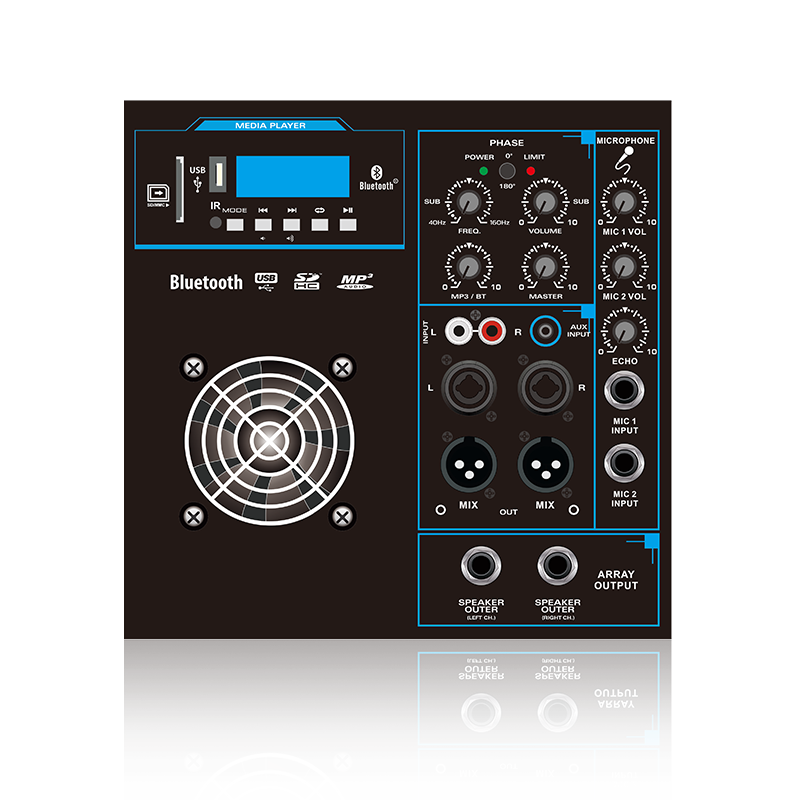
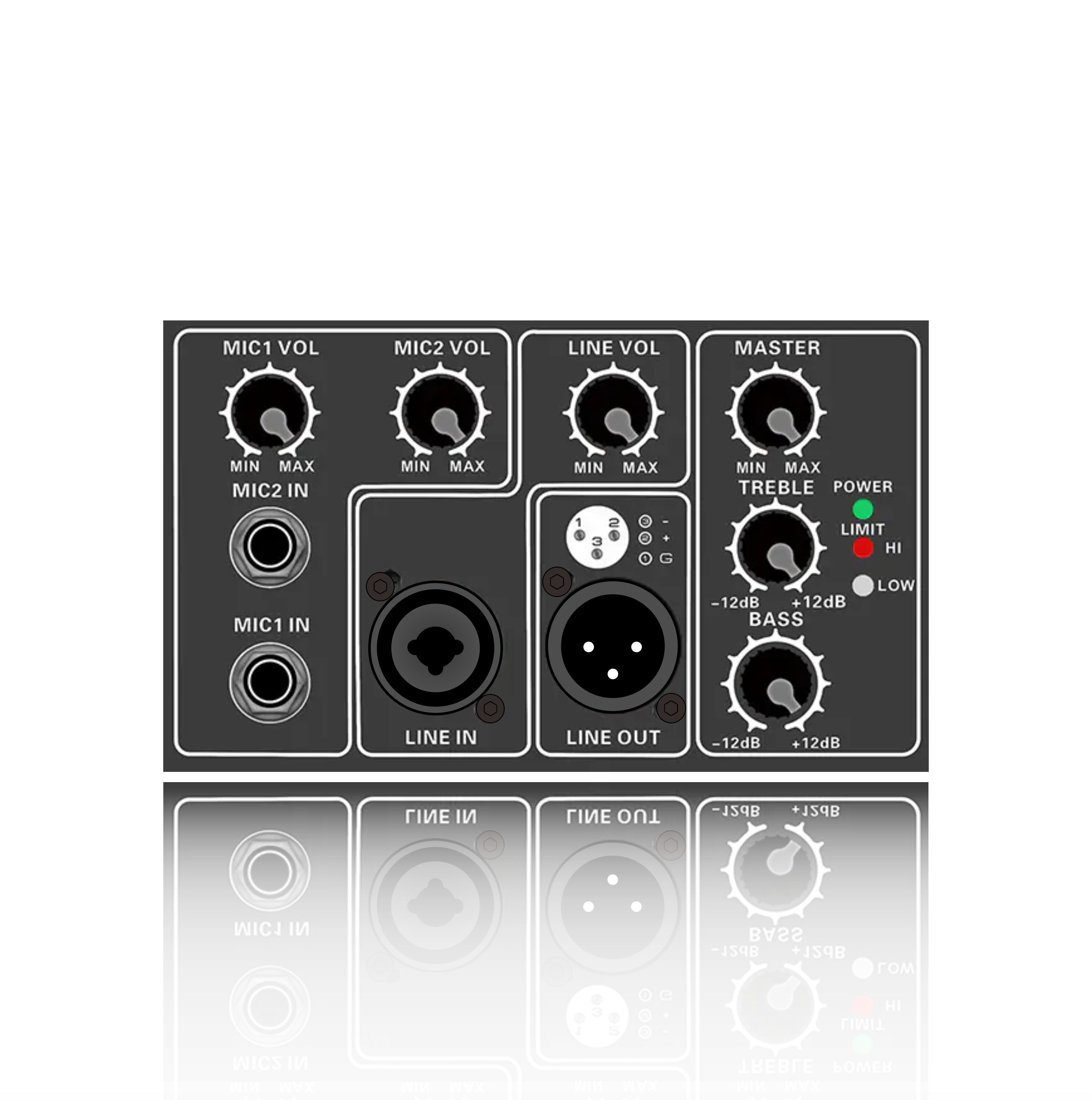
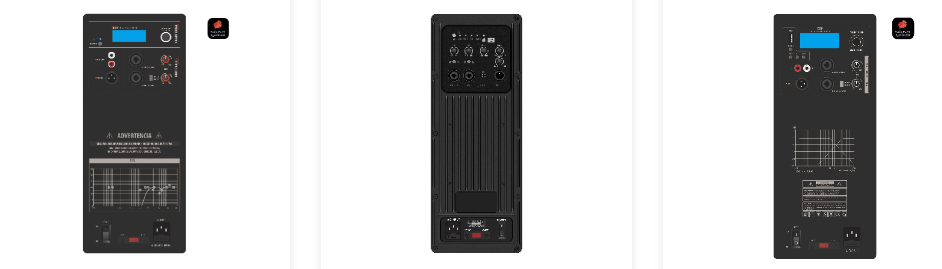
Connect the other end to the corresponding INPUT interface on the back panel of the speaker
Tighten the XLR connector to prevent it from falling off
- Multi-speaker system connection
Series mode (applicable to DSP110):
Connect the next speaker in series through the LINK OUT interface
Supports up to 4 series connections, with a total distance of ≤20 meters
Parallel mode:
Use an audio distributor to divide multiple signals
Pay attention to impedance matching to avoid overload
4.Common Problem Solving
No sound output
Check if the power indicator light is on
Confirm that the audio cable is not broken (you can use a multimeter to test)
Check the output settings of the audio source device
Too much background noise
Use a balanced connection (XLR/TRS)
Stay away from strong electromagnetic interference sources (such as transformers)
Check if the grounding is good
Low-frequency distortion
Turn off the "Bass Boost" function of the speaker
Make sure the input signal is not overloaded (the peak indicator light is not always on)
5. Safety and Maintenance
- Heat management: It is recommended to stop for 15 minutes after 4 hours of continuous operation
- Cleaning and maintenance: Clean the dust on the grille with a soft cloth every month
- Long-term storage: Disconnect the power supply and place in a dry environment