English
 Español
 中文简体
中文简体
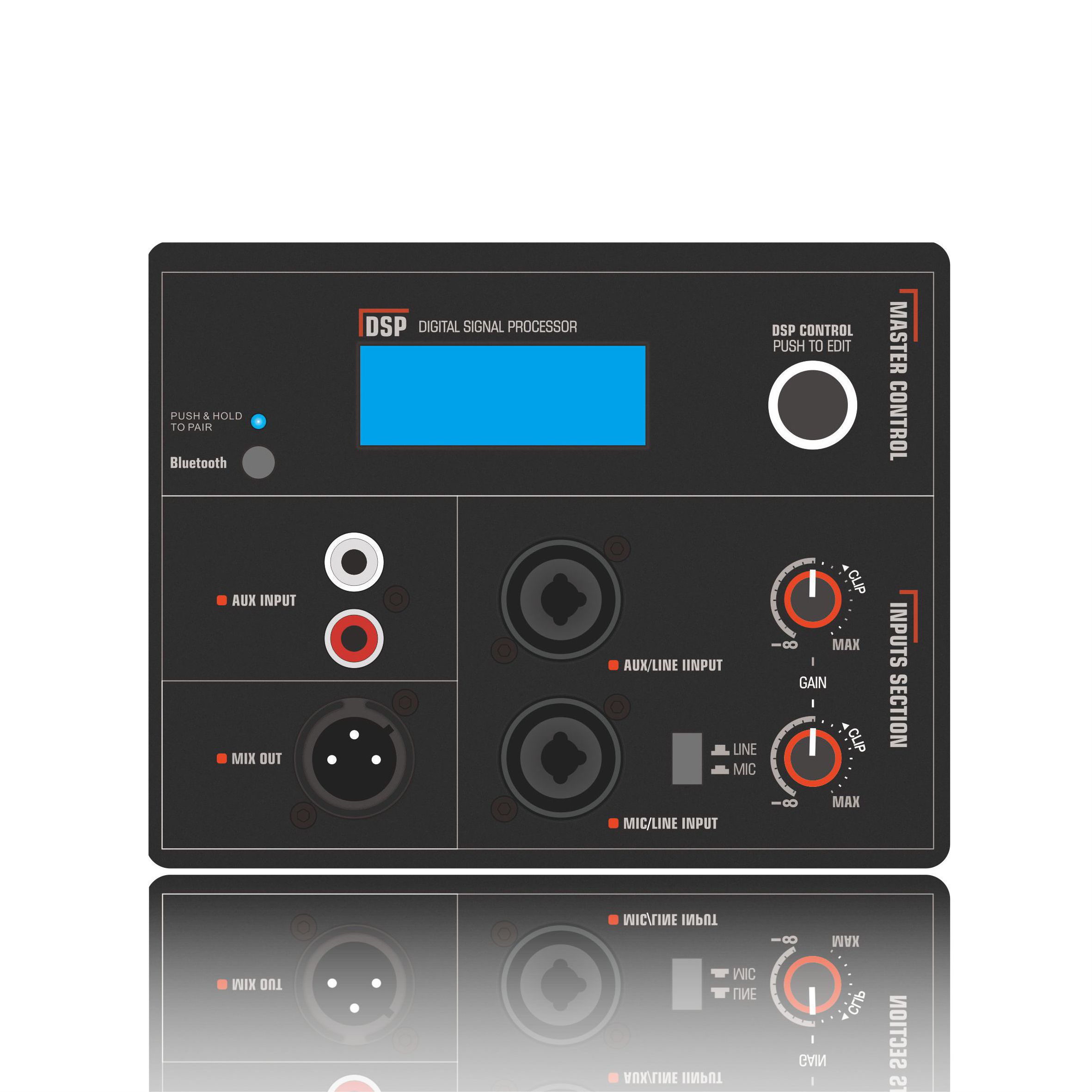
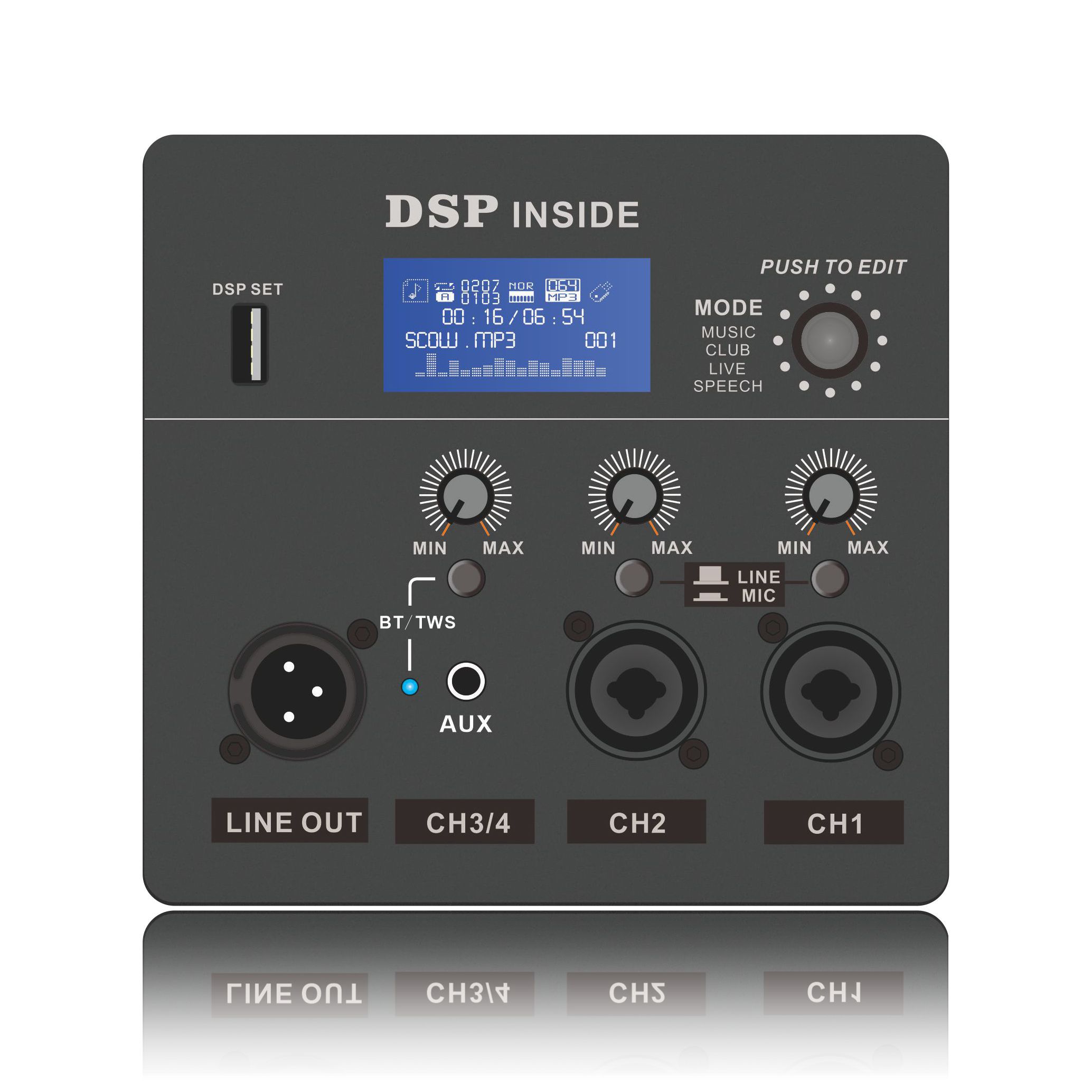
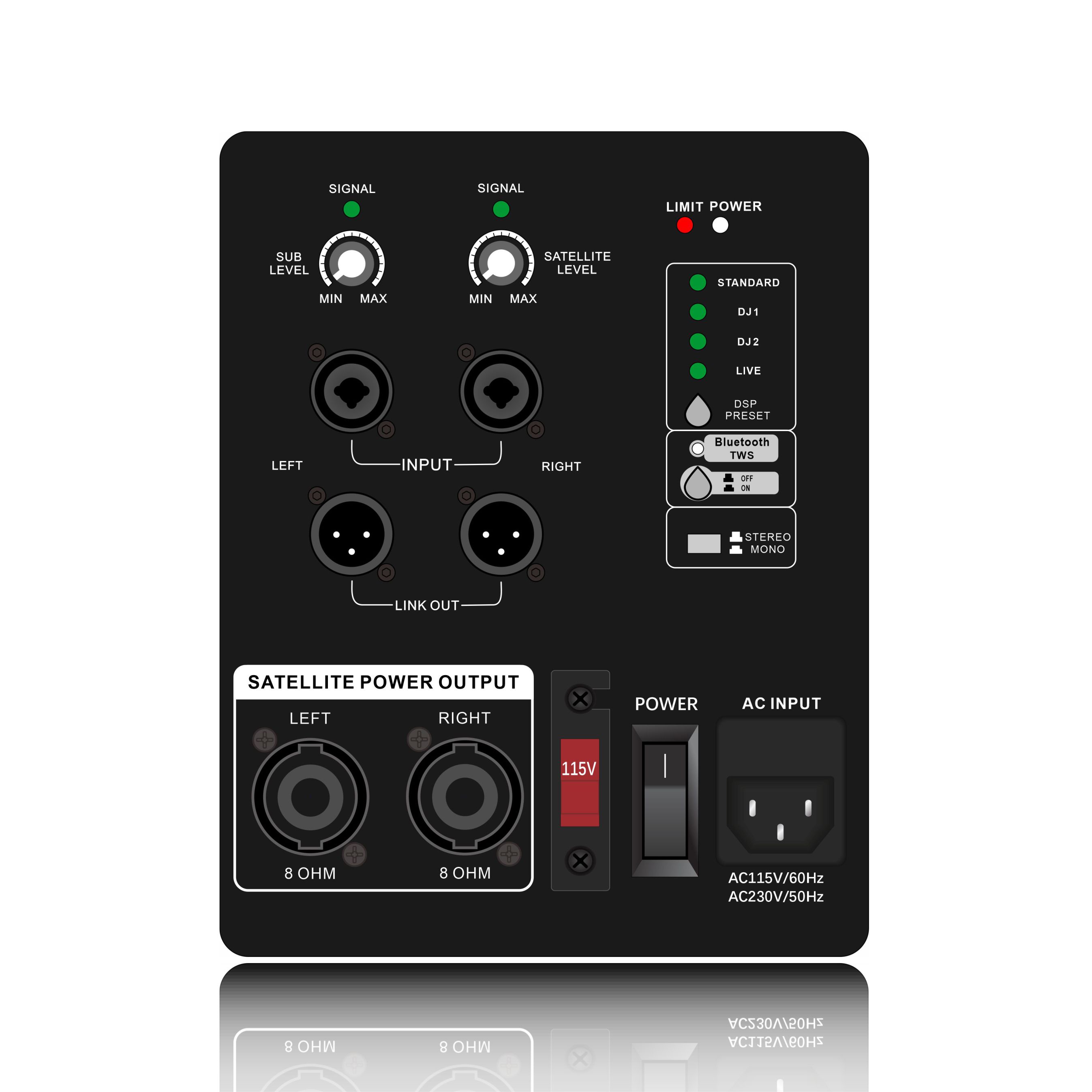
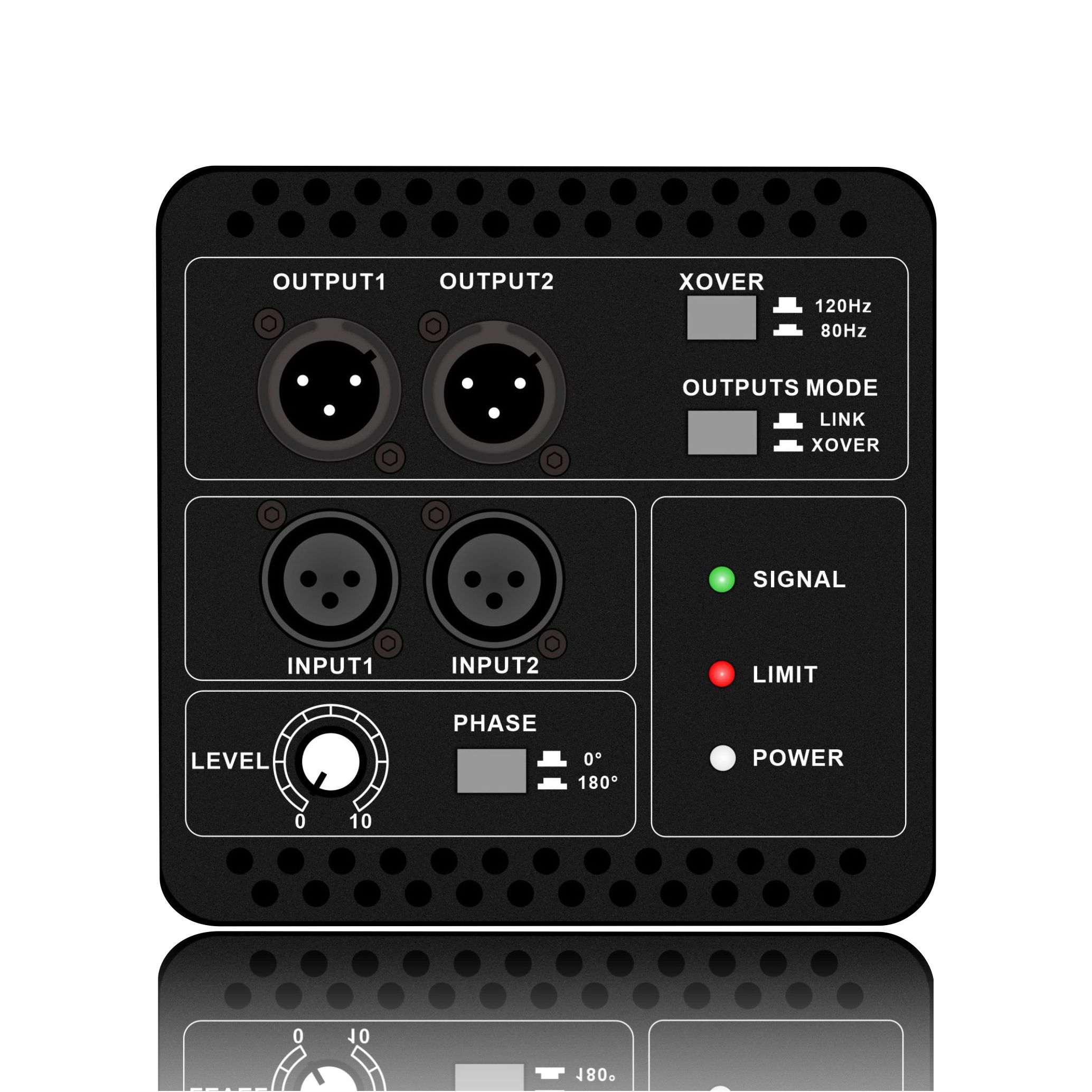
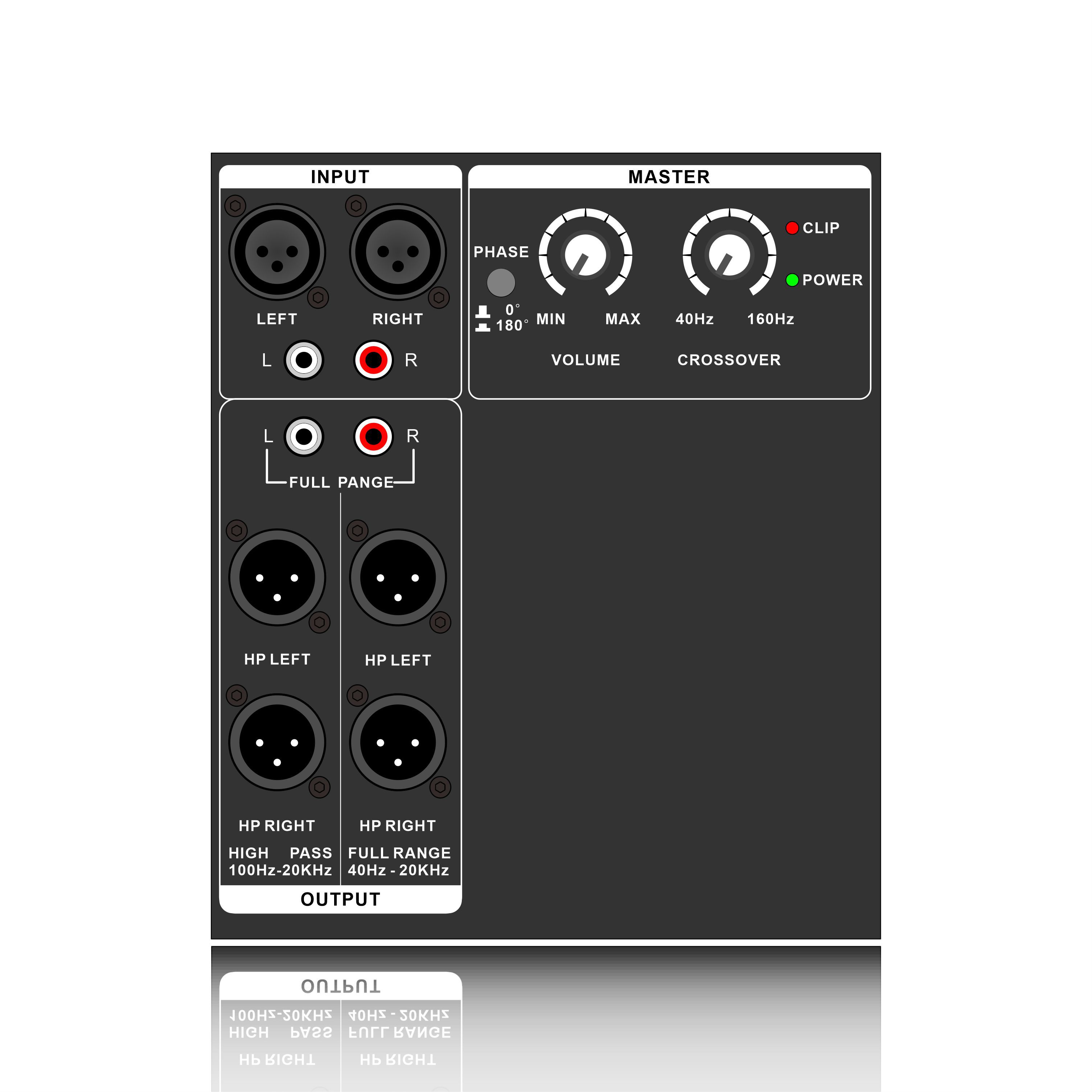
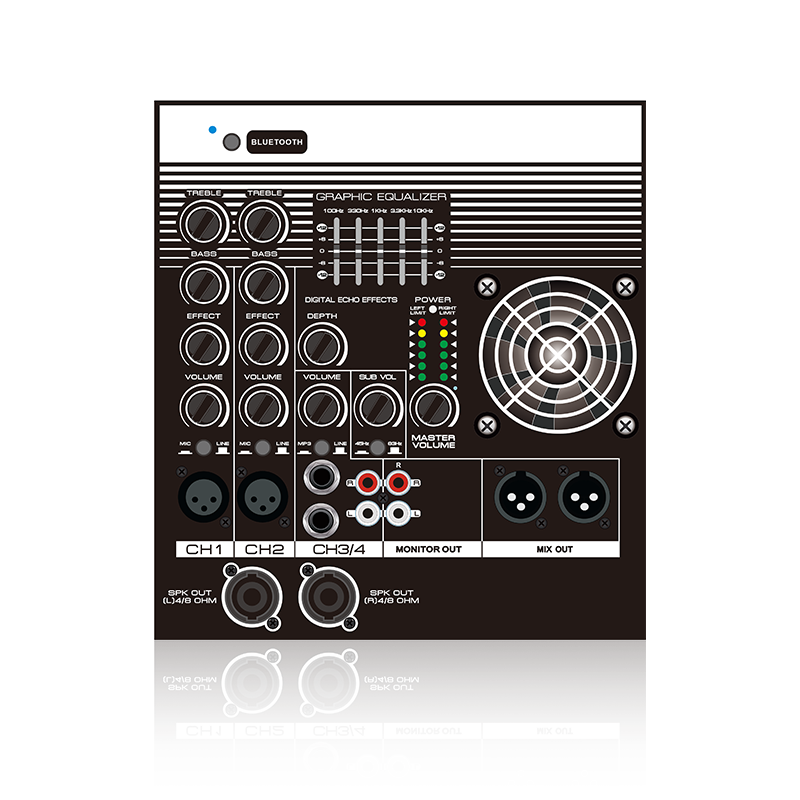
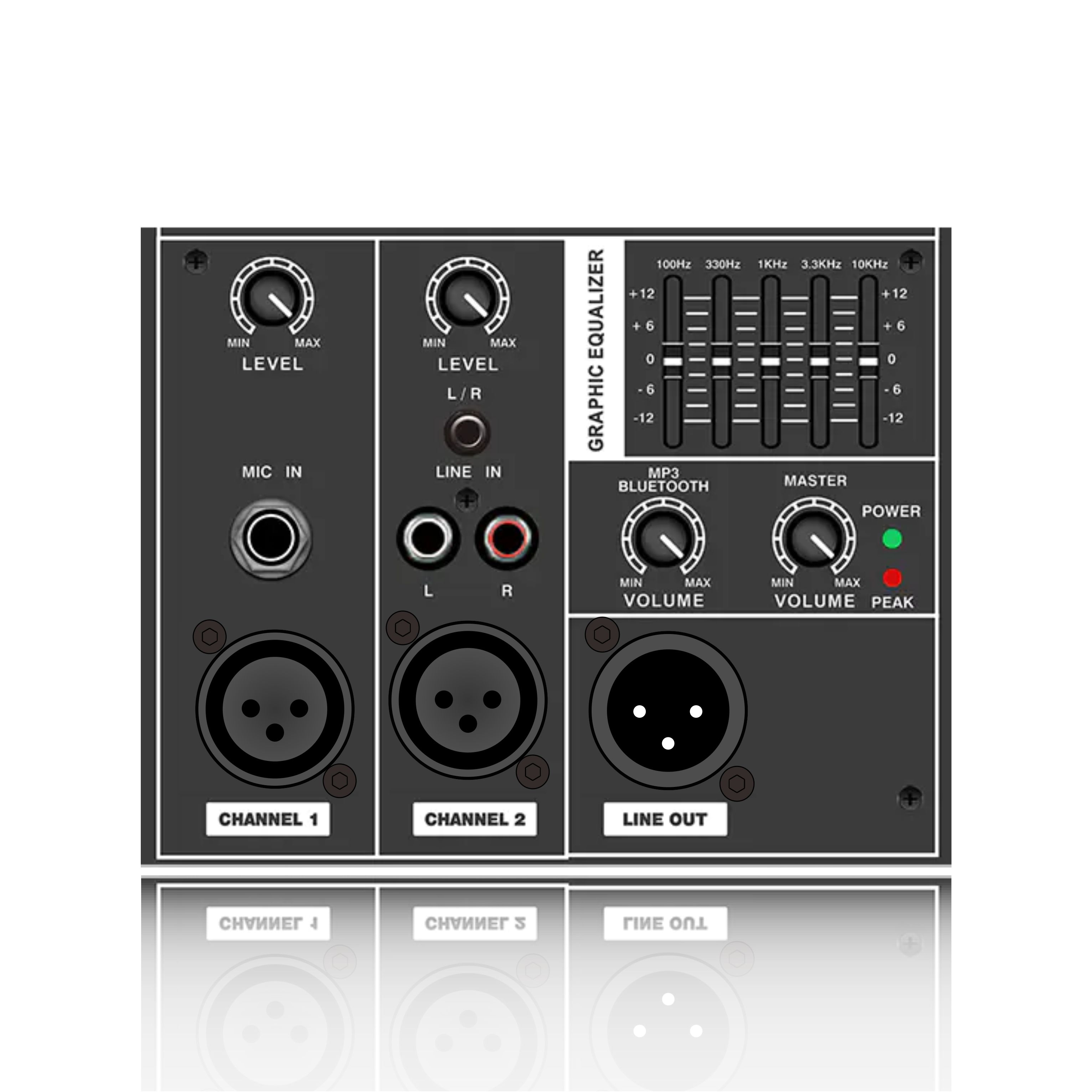
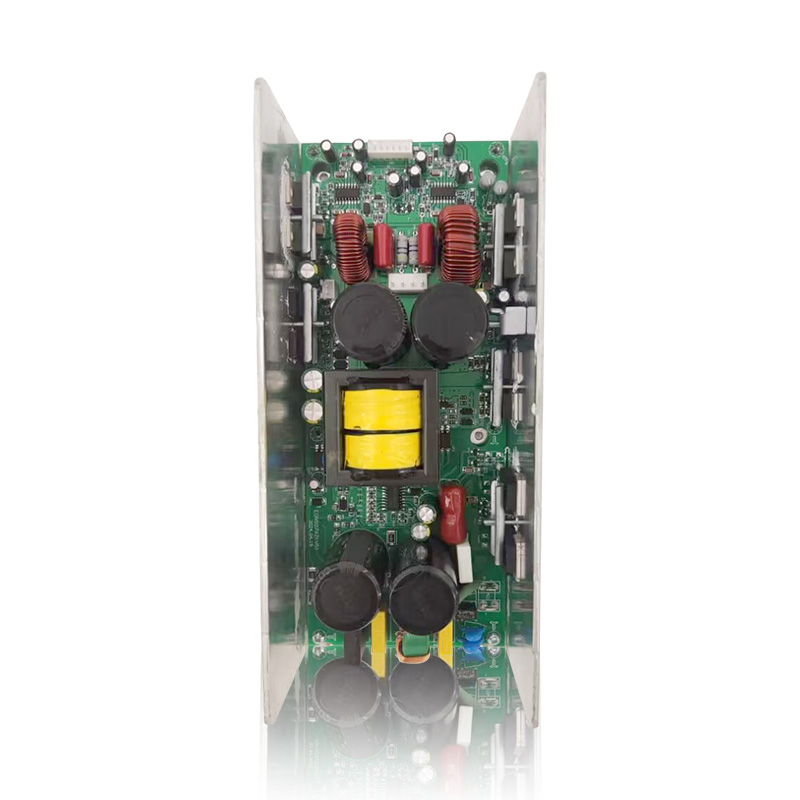
Professional line array amplifier (often also called "digital amplifier with DSP" or "system amplifier"). It is a highly integrated, intelligent audio device designed specifically for driving and controlling modern "line array speaker systems".
Content
1. Why does the line array need this special amplifier?
Features of line array speakers: It is not a single speaker, but a long string of multiple speaker modules hung vertically. Its main goal is to achieve precise vertical directivity control (let the sound spread like a fan, covering the designated area, and avoiding wasting energy on the ceiling and the ground).
In order to achieve this precise control, the traditional "amplifier + external processor" method is bulky and imprecise. Therefore, professional line array amplifiers came into being, which solved the following key problems:
(1). Driving multiple units
A line array speaker module usually contains tweeters, midrange units and woofers. Traditionally, multiple amplifiers may be required to drive these units separately (i.e., "electronic crossover"), while a line array amplifier integrates multiple independent amplification channels, which can accurately drive each unit in the speaker one-to-one.
(2). Achieve precise acoustic control
This is the most core function. The sound field shape (vertical coverage angle) of the line array needs to be achieved by adjusting the phase and frequency response of each speaker module. Professional line array amplifiers have built-in powerful digital signal processors (DSPs) that can load the optimized parameters preset by the manufacturer for that specific model of speaker. These DSP settings include:
Precise crossover points and high/low pass filters
Phase correction to ensure that the sound emitted by different units is synchronized in time.
Equalization (EQ) adjustment to optimize frequency response.
Limiter to protect the speaker unit from overload damage.
Delay adjustment to align the sound of speakers in different positions.
(3). System monitoring and protection
Professional line array amplifiers have powerful network monitoring functions (such as through Dante, AES67, or manufacturer-specific protocols such as LA Network Manager, HiQnet, etc.). Engineers can monitor in real time through computer software at the mixer position at the back of the venue: The output level and temperature of each channel Whether the compressor is triggered Whether there are short circuits, overloads, and other faults This greatly improves the reliability of the system and the efficiency of troubleshooting. (4). Simplify system connection and construction It usually integrates digital audio input (such as Dante, AES3) and can directly receive signals from the digital mixer, eliminating the need for external digital audio converters. The entire signal chain from the mixer to the amplifier to the speaker is almost completely digital, ensuring sound quality and simplifying system construction.
2. Troubleshooting of professional line array amplifiers
(1). The most basic inspection:
Power supply: Confirm that the power cord is plugged in and the cabinet power distribution has power.
Switch: Confirm that the power switch is turned on.
Signal source: Confirm that the mixer has signal output and the digital signal link (such as Dante) is connected.
(2). Observe the front panel:
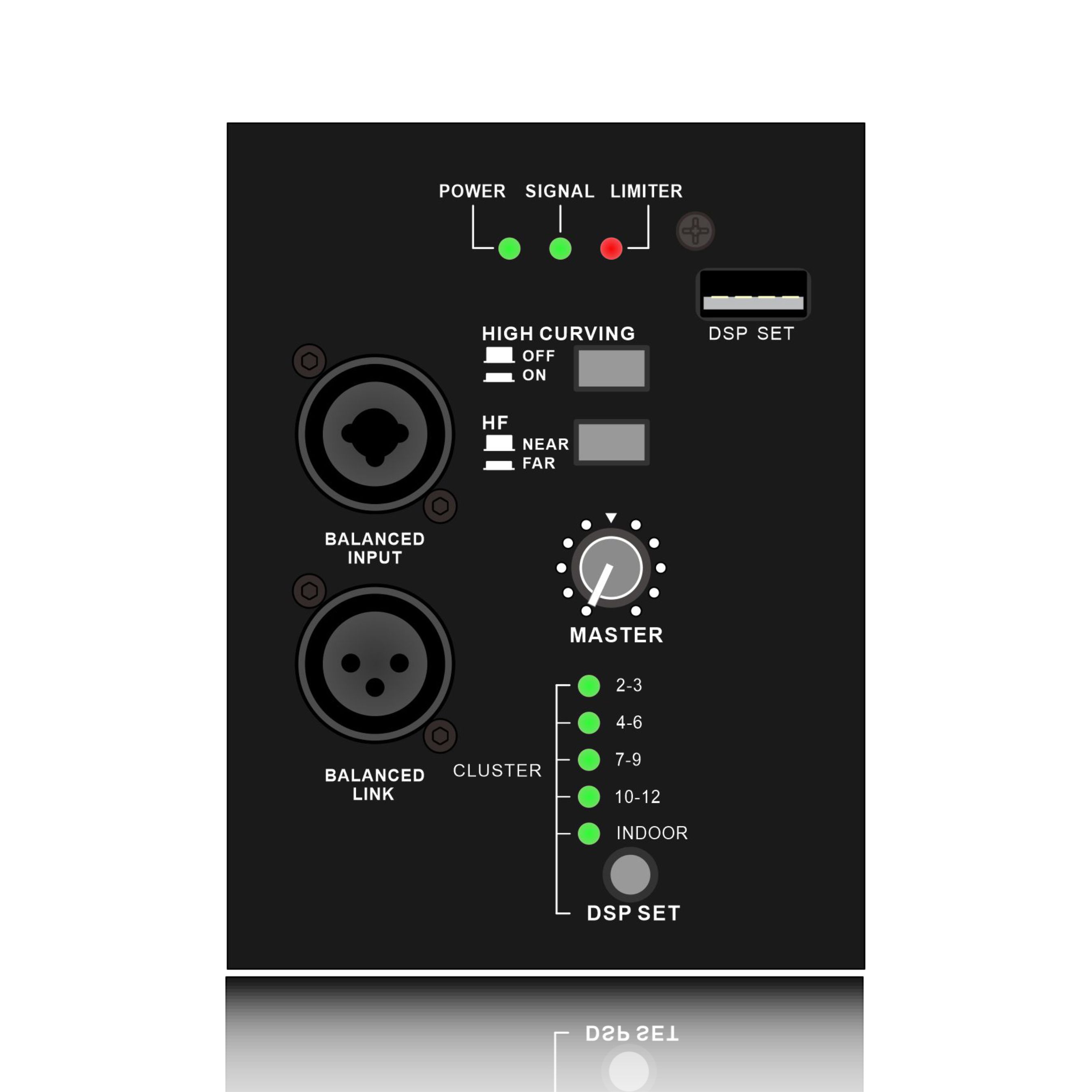
Indicator light: The status of the power light, signal light, protection light, and fault light. All manufacturers' manuals will define the meaning of the indicator lights in detail, which is the key to the first step of diagnosis.
Display: Check for error codes or prompt messages (such as "Temp", "Prot", "Clip", "Net Fault").
(3). Isolation and troubleshooting:
Swap input: Switch the input signal line of the suspected faulty channel to a normal channel to see if the fault follows the signal source.
Swap output: Connect the speaker cable connected to the suspected faulty channel to a normal channel to see if the problem is with the speaker or cable. Minimize the system: Disconnect all input/output cables, connecting only the power supply and network, and see if the amplifier boots up properly and is recognized by the software.
3. Precautions and Maintenance Recommendations
Proper Power Supply and Grounding: Use a stable power supply and a qualified power sequencer to ensure good grounding.
Proper Ventilation and Cooling: Arrange the cabinet strictly according to requirements, ensuring adequate clearance for heat dissipation. Clean the fans and dust screens regularly.
Regular Signal and Load: Avoid excessive input signals that may cause the amplifier to continuously clip. Ensure that the speaker load impedance is within the amplifier's tolerances, and absolutely avoid output short-circuits.
Use Software with Caution: Only load officially provided DSP presets for specific speaker models. Perform firmware upgrades in a stable environment, and never disconnect the power supply during the upgrade process.
Complete System Backup: For large-scale performances, the amplifiers for key channels must have either a hot backup (connecting another amplifier of the same model in parallel) or a cold backup (using an on-site backup unit).